
AI automation
Customer service, tasks, and information connected through clear workflows, with your team involved when needed.
Fewer manual steps. More context for decisions.
Explore the examplesTechnology for your business
Software for small and midsize businesses: AI automation, custom systems, and websites that reduce manual tasks.
Someone wants to book.
The agent gathers context.
Times come from the system.
Confirmation and context saved.
02 / Solutions
Three ways to turn processes into practical solutions for your business.
Customer service, tasks, and information connected through clear workflows, with your team involved when needed.
Fewer manual steps. More context for decisions.
Explore the examplesScheduling, records, and management in a platform tailored to your business processes and rules.
A distinctive online presence with accessible navigation, strong performance, and search-friendly structure.
03 / Projects
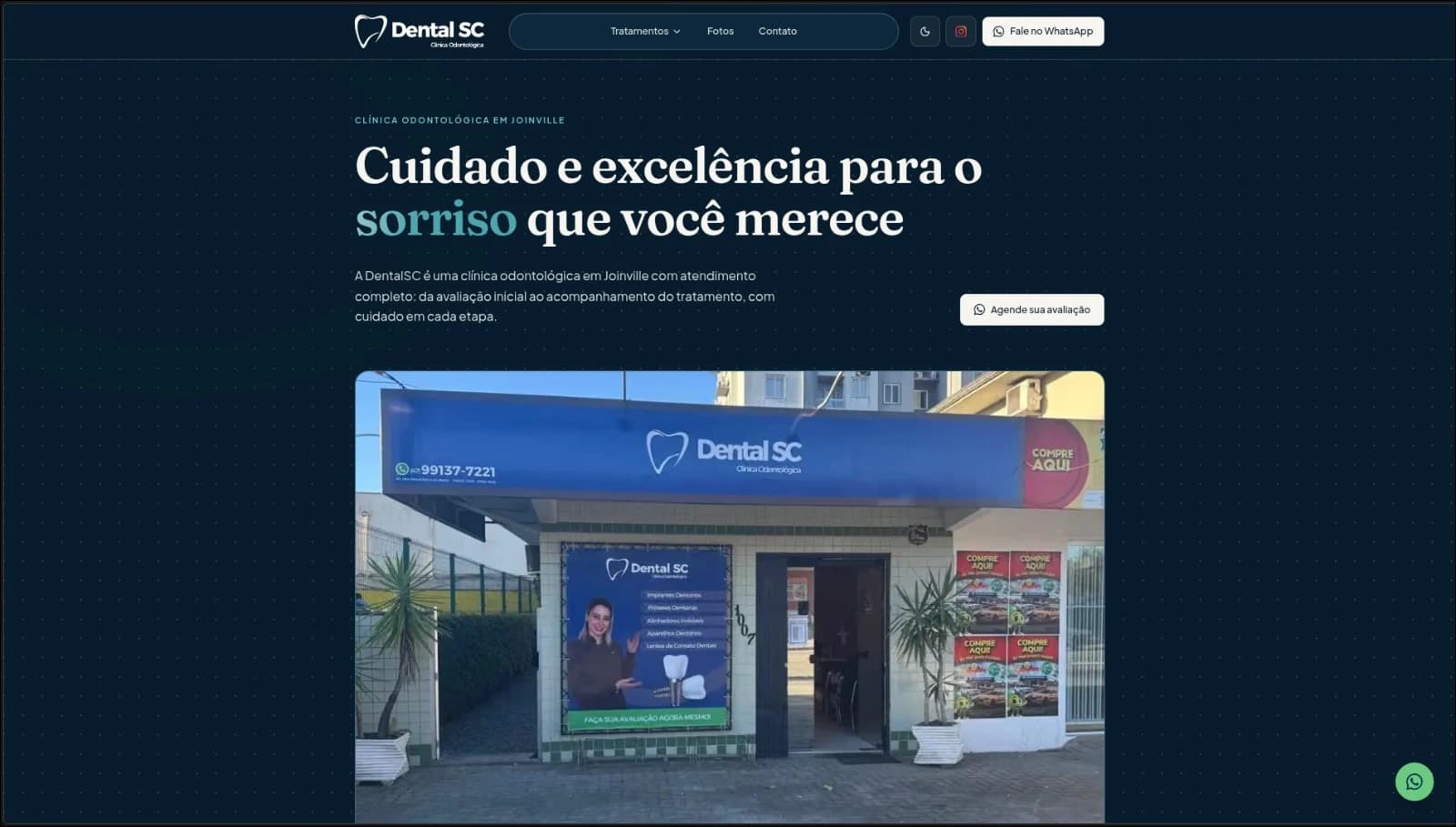
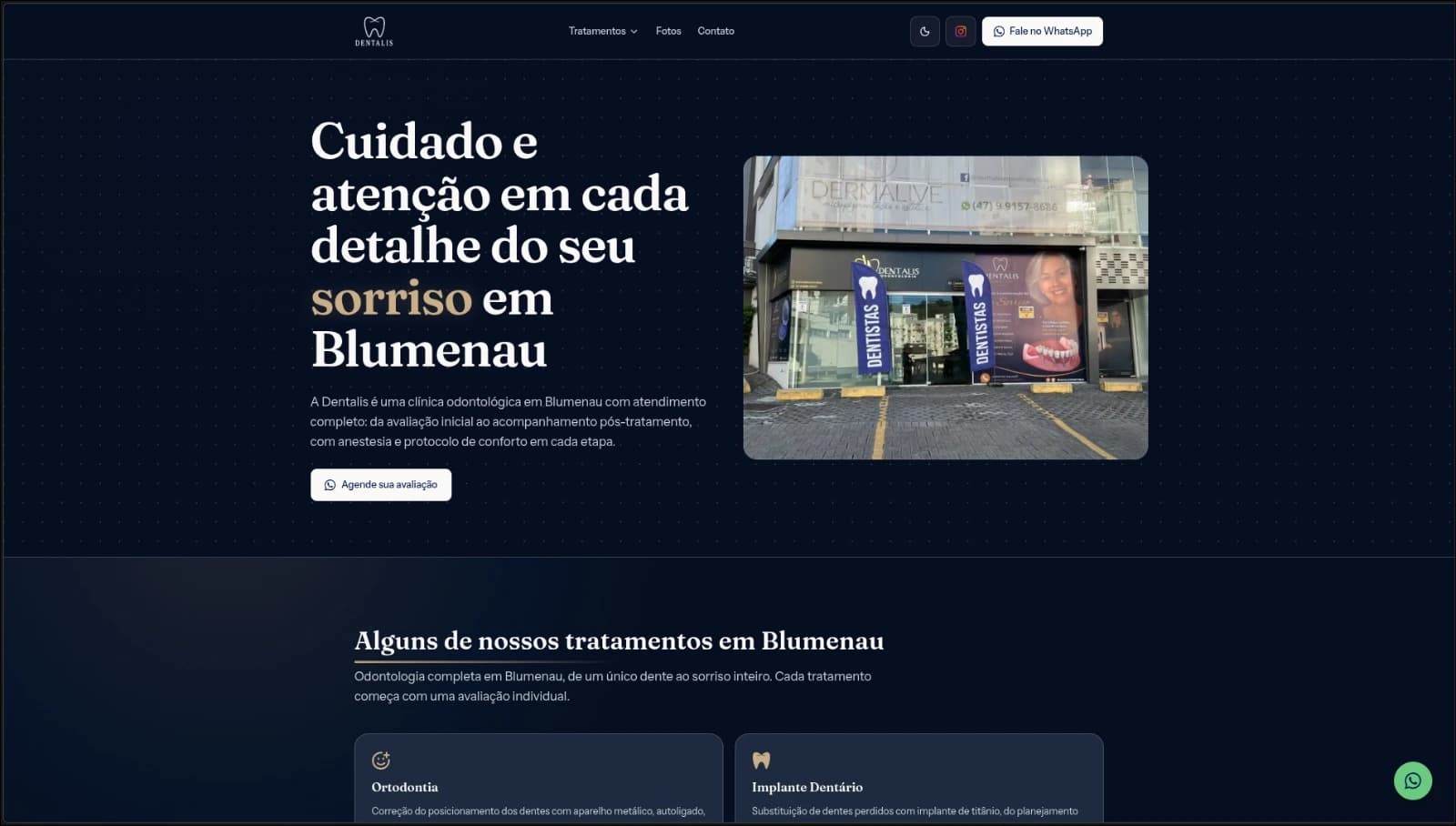
Projects with different needs, built around each business's context.
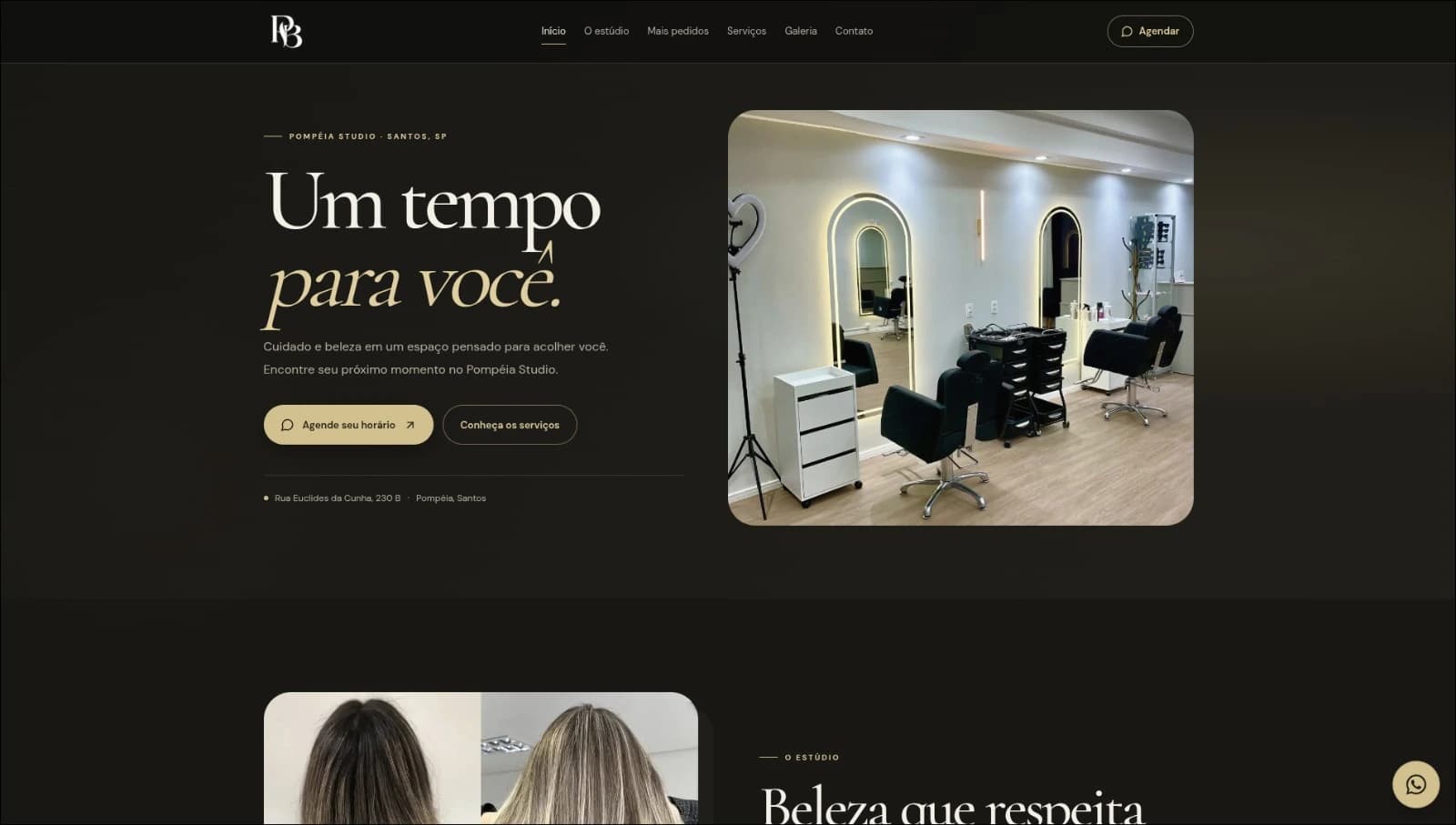
Beauty · Website, system, and AI
From the website to the salon floor.
Three projects for Pompéia Studio: an online presence, custom management software, and AI-powered customer service.

Travel · WhatsApp automation
A customizable WhatsApp chatbot that automates customer support and sales for a travel agency.
04 / Automations
Choose a scenario and explore the steps. Each example depends on your company's rules and systems.
A booking request starts the workflow through the channel chosen by the business.
The agent identifies the service and asks for any missing details. Requests outside scope go to a person.
An authorized integration checks live availability and offers options that match service rules.
The workflow confirms the choice and checks availability again. Conflicts return to time selection.
The confirmed time is saved in the connected system. The customer gets confirmation and the team can see the conversation context.
A contact reaches the sales channel with the information they chose to share.
The agent asks questions agreed with the team to understand the need and gather useful sales context.
The integration checks existing records and saves context in the authorized CRM, avoiding duplicate opportunities.
Agreed criteria route the opportunity. Cases without enough information go to a person for review.
The owner receives the history and a follow-up task, so the conversation can continue without starting over.
A document enters through an authorized channel with the request reference and details needed for review.
The agent identifies the fields required by the process and prepares them for review, keeping a link to the original document.
Rules check required fields and consistency. A person reviews and approves any uncertainty before the workflow continues.
After review or approval, the integration saves data to the authorized system and links it to the original request.
The team receives the request status and can see recorded data and decisions made during the process.
05 / Our process
We start with what your business needs to solve.
We learn about your processes, tools, and the tasks that take up your team's time.
We agree on scope and priorities, then choose what makes sense to automate or build.
We create the solution and review each workflow with you, making adjustments for day-to-day use.